
TLDR: the mission briefing
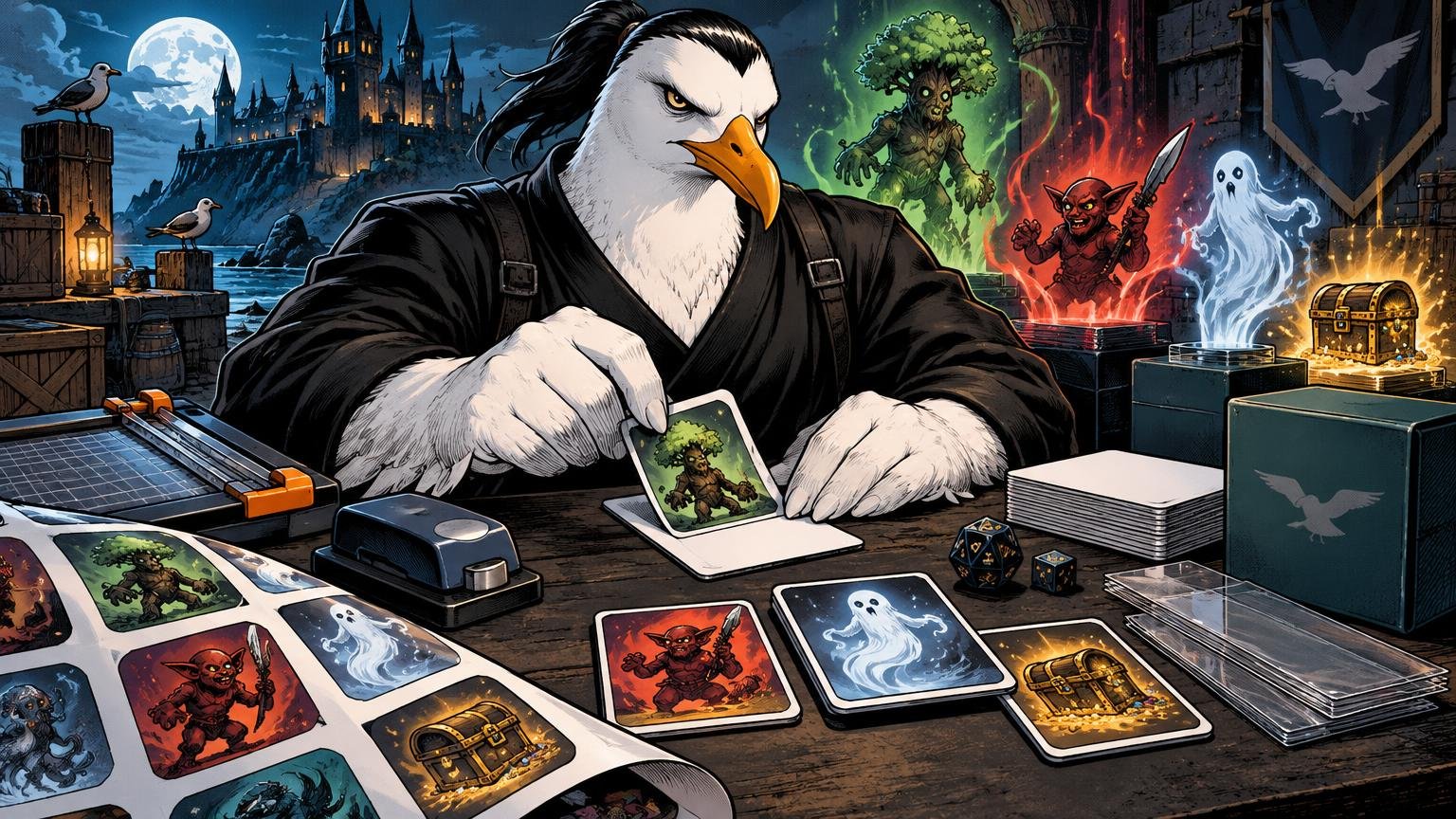
Printing proxy tokens on sticker paper is fast, inexpensive, and especially useful when a Commander deck creates obscure tokens, copies, emblems, or changing creature stats. Print the token faces at approximately 2.5 × 3.5 inches, attach them to clean card-sized backers, trim carefully, and put them in sleeves. Choose matte sticker paper for easy reading and reliable machine-cut registration. Use repositionable adhesive when alignment matters, permanent adhesive when you want a fixed build, and lamination when the token needs to survive spills or accept dry-erase notes.
The central rule is simple: readability outranks beauty. A token needs a recognizable name, relevant types, power and toughness, and any rules text players must remember. It does not need to resemble a small museum exhibit recovered from a burning helicopter.
Why sticker-paper tokens work
Under the Magic Comprehensive Rules, a token is a marker representing a permanent that is not represented by a card. Your homemade card-sized object can represent that token, but it does not become a Magic card merely because it has corners and confidence. The rules define characteristics for familiar tokens such as Treasure, Food, Clue, Blood, and Map, so functional accuracy matters more than copying an official visual treatment. The current Magic Comprehensive Rules provide the operational definition.
Sticker paper solves the most annoying part of the construction process: attaching a clean printed face to something sturdier. Ordinary printer paper placed over a bulk card works, but it can slide inside the sleeve. Adhesive stock stays where deployed. This is useful for tokens you repeatedly use, custom tokens for a Commander deck, and trackers that need blank areas for counters or notes.
Do not confuse the physical adhesive with Magic’s rules-defined sticker mechanic. In the rules, a sticker is a specific kind of marker placed on an object; it is neither a counter nor a token. An adhesive label used to manufacture your token is just craft material unless a game effect says otherwise.
Choose the sticker material before designing
For most token operations, matte white printable sticker paper is the safest choice. It produces less glare beneath sleeves, accepts readable text, and is generally better suited to sensor-based cutting than reflective or glossy material. Cricut warns that reflective, metallic, glitter, epoxy, and some glossy surfaces can interfere with Print Then Cut registration.
| Material | Best use | Main tradeoff |
|---|---|---|
| Matte repositionable paper | First attempts and careful alignment | Easier to correct, but not selected for maximum permanence |
| Matte permanent paper | Finished tokens kept on one backer | Misalignment is harder to rescue |
| Glossy printable paper | Bright presentation and hand-cut projects | More glare and possible registration trouble |
| Printable vinyl or specialty film | Projects needing a different finish | Compatibility and thickness vary by product |
Printer compatibility is not universal. Avery markets its 53202 repositionable sheets for inkjet and laser printing, while Cricut specifies that its Printable Sticker Paper is inkjet-only and warns that laser-printer heat may damage the material or printer. Check the exact package rather than assuming all adhesive sheets obey the same chain of command.
Repositionable stock is my recommendation for a first batch. Avery describes its matte repositionable sheets as removable from most smooth surfaces and suitable for hand cutting or compatible cutting machines. That gives you a chance to lift and realign a crooked face before your 4/4 Beast spends the rest of its service leaning seven degrees to port. Avery’s repositionable sticker-paper specifications explain the intended material uses.
Size the token faces correctly
A standard Magic card is approximately 2.5 × 3.5 inches, or 6.3 × 8.8 cm. Use that as the target footprint when the token will sit on a card-sized backer or inside a standard sleeve. For more detail on document setup, margins, and image placement, consult the MTG proxy printing template guide.
Leave important text comfortably inside the cut line. Home printers can shift slightly, hand cuts are rarely microscopic works of divine geometry, and cutting-machine registration consumes usable page area. If your design has a full-bleed background, extend it slightly beyond the final trim line while keeping names, power and toughness, and rules text away from the edge.
Nine nominal card faces arranged in a three-by-three grid occupy 7.5 × 10.5 inches before gutters, bleed, printer margins, or registration marks. That is a geometric fit on US Letter paper, not a promise that your printer or cutting machine can produce nine finished tokens. Cricut lists a 7.44 × 9.94-inch Letter-paper maximum for several current Explore and Maker-family machines using Print Then Cut, which is smaller than that nine-card grid.
For machine cutting, plan on fewer faces per sheet, slightly smaller tokens, a larger supported sheet, or a separate manual-trimming stage. For hand cutting, a dense layout may work if your printer can reach the required area and you leave practical gutters between designs. Paper has no respect for optimism.
Print a plain-paper reconnaissance sheet
Before sacrificing adhesive stock, print the layout on ordinary paper. Confirm the scale with a ruler and place one test face over a real card or blank backer. If it is too large, too small, or cropped by the printer margins, correct the file now.
Also use the test sheet to determine feed orientation. Cricut recommends confirming the printable side, running a plain-paper test, feeding sticker sheets individually or through a bypass or manual feed where possible, and using a high, best, or photo-quality setting for crisp output. Excessive ink can smudge, so “maximum ink saturation” is not automatically the heroic option. Cricut’s printable sticker paper guidance covers these setup precautions.
- Confirm that the printer supports the exact sticker stock.
- Print the token layout at 100% or actual size, not fit-to-page.
- Measure one face and check it against a card-sized backer.
- Verify that small rules text and power/toughness are legible.
- Print one sticker sheet and let the ink settle before handling or cutting.
Pick a backer and mount the faces
Bulk commons, basic lands, blank playing cards, and cut card stock can all serve as sacrificial backers. A sleeved bulk Magic card is convenient because the dimensions and stiffness already match the rest of the deck accessories. Do not place adhesive on a card you may want to restore later. That operation has no extraction plan.
Manufacturers recommend applying sticker material to clean, dry surfaces. The available guidance does not establish that any one homemade backer has superior long-term adhesion, shuffle durability, or resistance to peeling, so treat backer choice as a practical construction decision rather than settled science.
Cutting the sticker face before application usually gives you more control. Peel back a narrow strip of the liner, align one short edge with the backer, press that edge down, and gradually remove the remaining liner while smoothing the face. This reduces the chance of trapping bubbles or committing immediately to a crooked placement. Repositionable paper provides more room for correction.
If you print a full sheet and then use a cutting machine, follow the software’s displayed orientation and use the equipment specified for that workflow. Cricut’s Print Then Cut system requires compatible equipment and reserves page space for registration marks. Hand cutting avoids those registration-area limits, though it exchanges automation for slower work and less uniform edges.
Cutting without creating cardboard casualties
A paper trimmer is efficient for straight outer edges. A craft knife, metal ruler, and cutting mat provide more control for individual faces. Scissors work, but long straight cuts expose every tremor in your command structure.
- Use fresh blades; dull blades pull fibers and produce ragged edges.
- Make several controlled passes with a craft knife instead of forcing one deep cut.
- Round corners only if you have a reliable corner punch and want the finish.
- Keep fingers outside the ruler’s cutting path.
- Sleeve the finished token if exposed sticker edges begin collecting dirt or lifting.
For a casual token, slight variation is harmless. The object must remain clear to everyone at the table. Distinct art and large labels can actually improve battlefield scanning when one player controls several token types. A dedicated design is particularly helpful for frequently generated tribes such as Faerie tokens, where flying, power and toughness, and additional abilities need to remain visible.
Lamination and write-on token uses
Lamination is useful for reusable copy tokens, creature-stat trackers, Commander tax reminders, day/night aids, and status markers. A laminated face can provide a dry-erase surface, allowing one physical token to represent changing names, power and toughness, or copied characteristics. Fellowes says pouches of 5 mil and under remain relatively flexible and can suit dry-erase documents, while thicker 7–10 mil pouches are substantially stiffer. Fellowes’ laminator and pouch guidance provides the relevant handling details.
There is one physical conflict: exact card size and a fully sealed laminated border do not coexist neatly. Fellowes recommends laminating first, allowing the sheet to cool, and trimming while retaining roughly a 1/8-inch sealed border. Cutting too close can expose the paper edge to moisture and contribute to delamination. A card-sized insert plus that border will finish larger than a standard card.
Choose your objective. If the token must fit a standard sleeve, use a card-sized backer and accept that the laminate may not have a generous sealed border—or use a sleeve as the write-on outer surface if your marker erases cleanly from that specific sleeve. If durability matters more than sleeve fit, retain the laminate border and store the tokens separately.
Protective claims should remain proportional. Manufacturers describe thermal lamination as water-resistant, tear-resistant, spill-resistant, or marker-proof depending on the product. That supports frequent handling, but it does not make a token indestructible. I once saw a laminated objective marker survive a maritime extraction. Your Commander pod’s energy drink may be less forgiving.
How durable should a DIY token be?
Sticker-paper tokens are best viewed as economical table tools, not archival artifacts. Sleeve them when you want protection from edge wear, dirty hands, and repeated handling. Keep duplicate high-volume tokens such as Treasure or 1/1 creatures in reserve. Replace a face when the print becomes difficult to read or the adhesive begins lifting.
The method excels when you need a small custom batch immediately. It becomes less attractive when you are cutting dozens of full decks, matching fronts and backs, or trying to make every object feel identical in sleeves. If the operation expands from battlefield markers to complete deck stand-ins, professionally printed Magic proxy and playtest cards can remove the adhesive, alignment, and hand-cutting stages. You can also review the practical distinction between proxy cards and playtest cards before choosing the format.
Final extraction
Use matte repositionable sticker paper for the easiest first attempt, print a plain-paper proof, size card-shaped faces around 2.5 × 3.5 inches, and mount them on clean sacrificial backers. Hand cutting offers layout freedom; machine cutting offers consistency but consumes printable area for registration. Laminate only when write-on utility or added protection justifies the extra size and stiffness.
Most importantly, build the token for battlefield recognition. Large name. Correct characteristics. Readable power and toughness. Necessary rules text. The token does not need to look official. It needs to prevent four Commander players from spending six minutes arguing about whether the upside-down blank card beside your Sol Ring is a Treasure, a Clue, or an inactive coaster. Mission accomplished.
References
- media.wizards.com
- Print Then Cut – Compatible Materials – Help Center
- Avery Sticker Paper, Matte White, Repositionable 53202 | Avery
- Printable Sticker Paper – Help Center
- How large can I Print Then Cut? – Help Center
- Laminator Machine Performance – Fellowes®
- Laminating Tips and Projects – Fellowes®
- Scotch™ Thermal Laminating Pouches, 3 mil Size | 3M United States